


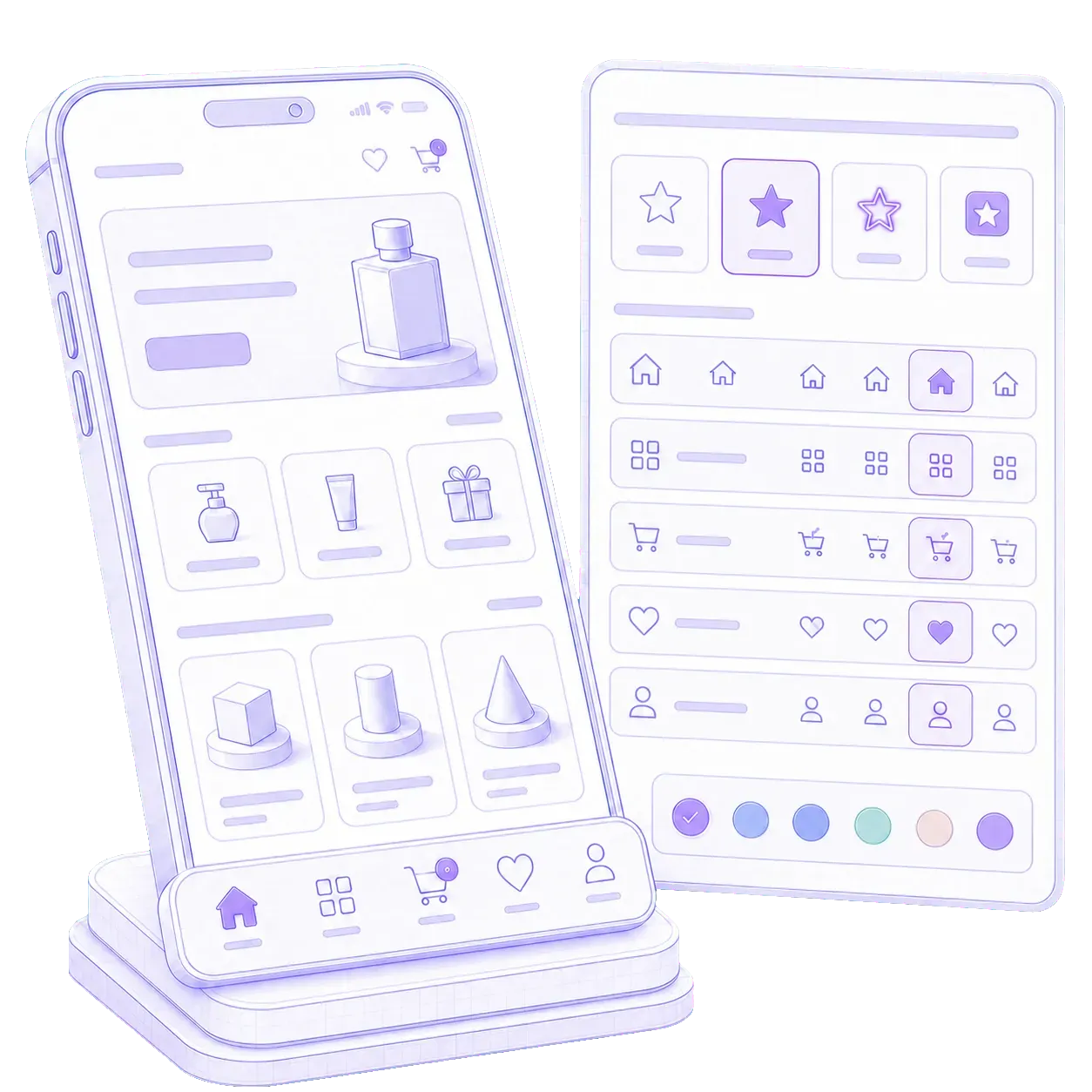
The menu looks like your brand, not like a template.
Your menu should look like your store, not like a default template. Choose the icon, the style and the accent for every navigation item, so the actions that matter stand out at a glance.

Native navigation
Full control over mobile navigation directly from the Wixo dashboard. Add sections, reorder buttons, and change icons whenever you want. Every change reflects immediately the next time customers launch the app on their phones — no rebuild, no new app release, and no waiting for Apple or Google review.
Why ours is different
On most app platforms the navigation is fixed the moment the app is compiled. Renaming a menu item, swapping an icon, or pointing a button at a new landing page means a new build, a new submission, and a wait while Apple and Google review it. A change you decide on Monday reaches your customers late in the week, if the review goes through first time. For a boutique running a weekend promotion, that is a menu that arrives after the sale ends.
Wixo works the other way around. The dashboard talks to the apps already installed on your customers' phones, so you edit the menu, save it, and the app picks up the change the next time someone opens it. Nothing is compiled, nothing is resubmitted, and no reviewer stands between you and your own menu. The promotion that starts on Friday gets its menu item on Friday.
What a menu item can be
Every navigation item is configured from the same dashboard, so the menu can change as often as your catalogue does.

Your menu should look like your store, not like a default template. Choose the icon, the style and the accent for every navigation item, so the actions that matter stand out at a glance.

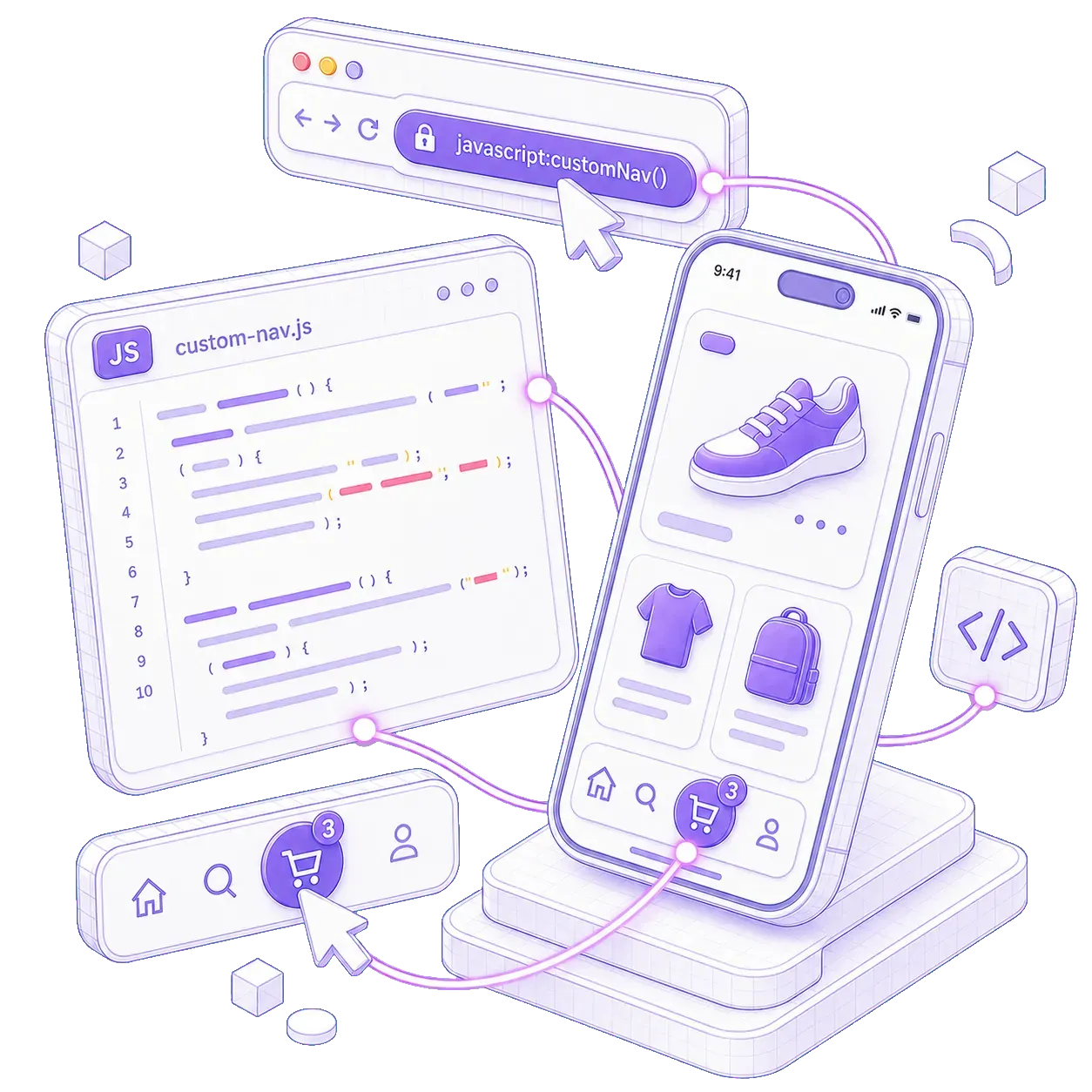
Send customers straight to a category, a product, a campaign page, or a resource that lives outside your store. Each navigation item takes a URL and opens it inside the app or in the browser. New destination, new button, no new module to build.

Open a chat window, trigger a popup, send data to your CRM, or fire a marketing tag, all from a menu item. Any button can run custom JavaScript instead of loading a page. A menu item becomes an action, not just a link.

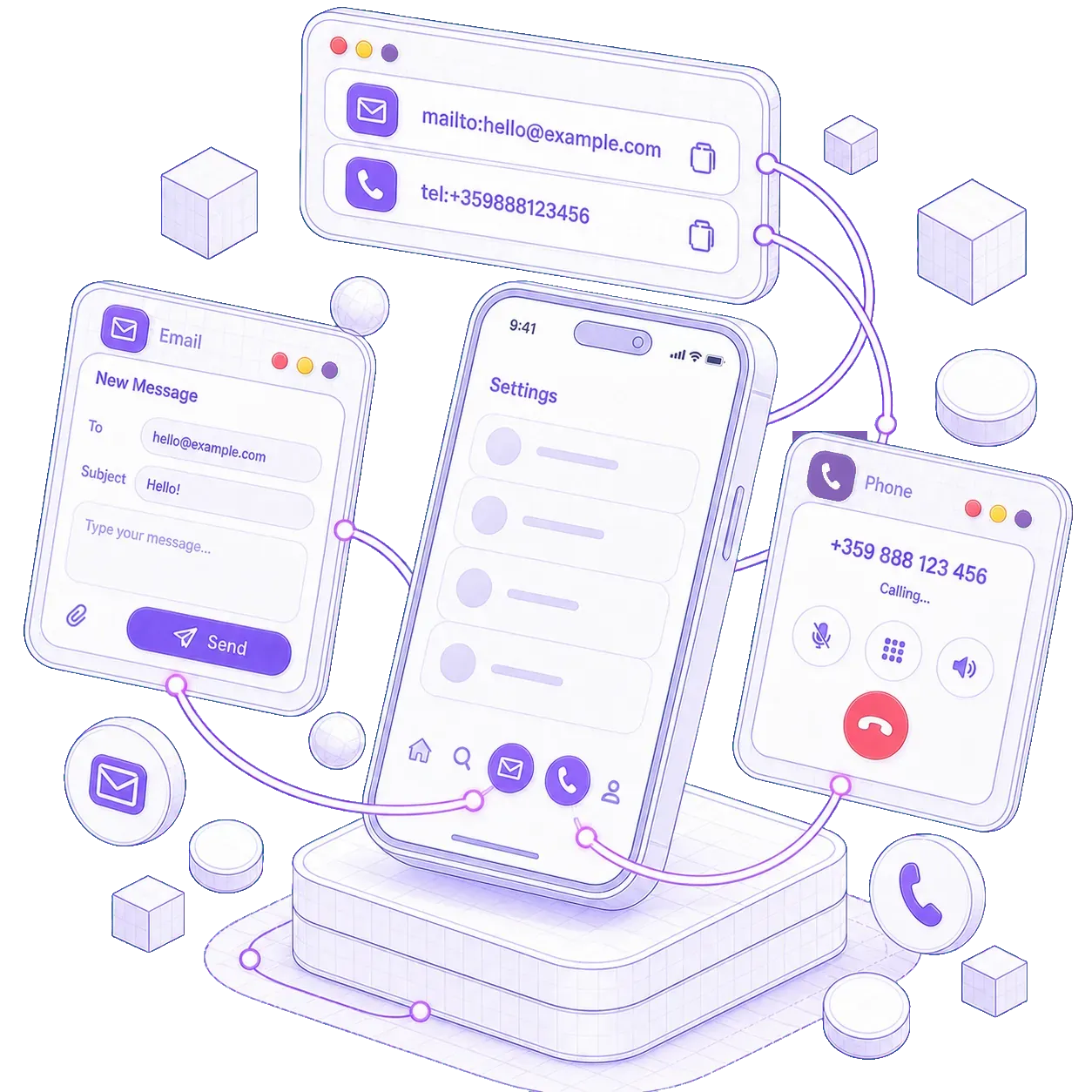
A customer with a question about an order should not have to hunt through a contact page. A navigation item can dial your number, start a WhatsApp or Viber chat, or send you an email. One tap, and the customer is already reaching you.

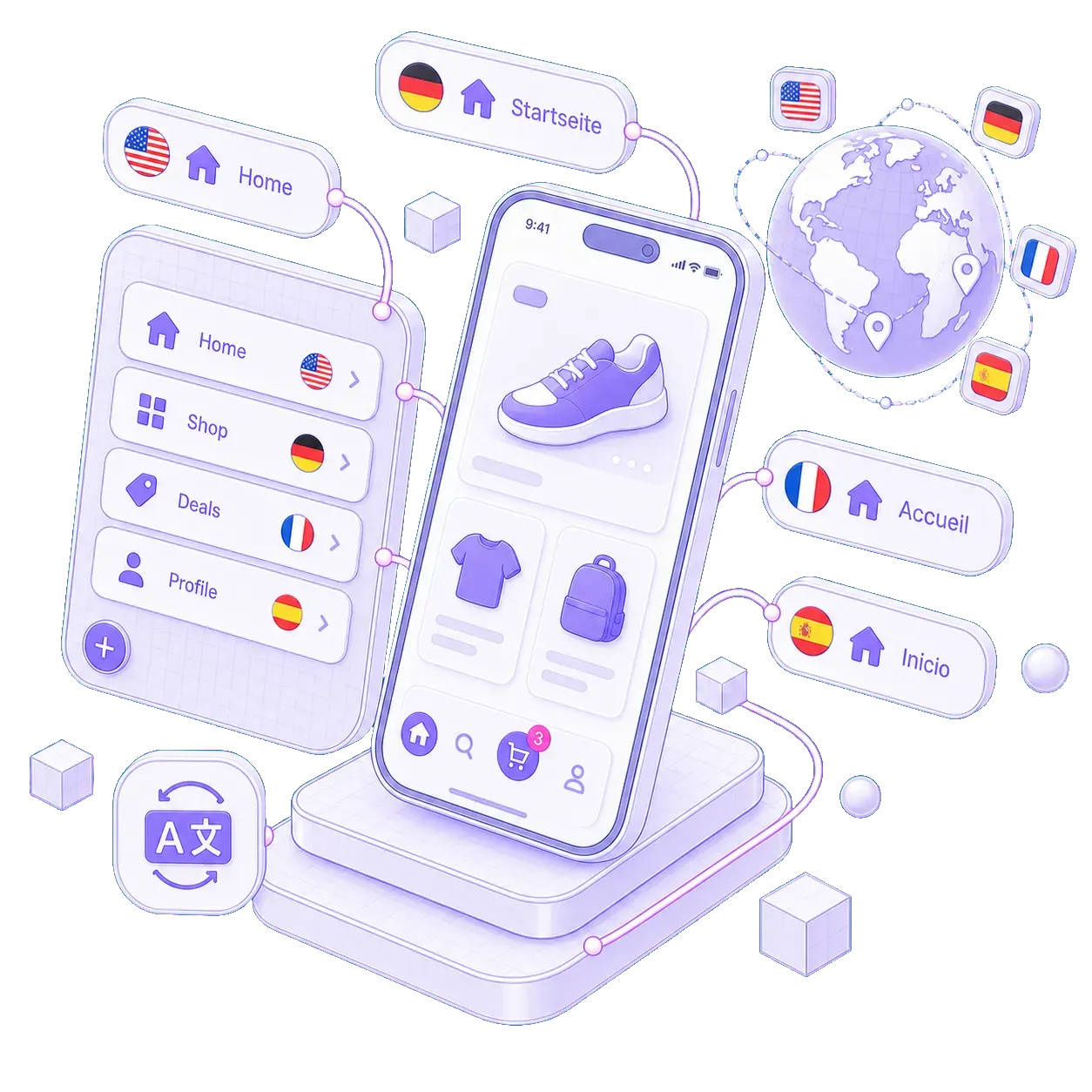
A customer browsing in their own language sees the whole menu in that language. Each navigation item carries its own name and description for every language your app supports, and the app shows the right one automatically.
Request your free demo now and within 72 hours we'll prepare a working demo, navigation included, so you can tap through your own menu on your own phone before you decide anything.
Get my free previewSet up in the same sitting
Questions
No. You edit the menu in the Wixo dashboard, and the app picks up the change the next time the customer opens the app. Nothing is rebuilt and nothing goes back to Apple or Google for review, so a menu change takes minutes rather than days or weeks for a new release.
There is no fixed limit on the number of navigation items, and you can reorder them whenever you like. In practice the best menus stay short and cover the sections customers use most. Anything else can live behind a URL item, so it is in the app without crowding the menu.
Yes. Any item can open a URL, inside the app or outside it, which covers campaign pages, booking forms, and partner sites. An item can also dial your number, start a WhatsApp or Viber chat, send you an email, or run a piece of custom JavaScript instead of loading a page at all.
Wixo works with Shopify, WooCommerce, Magento, OpenCart, PrestaShop, and BigCommerce, and can work with almost any platform. The app is a shell around the site and checkout you already run, so nothing about your store changes. The navigation module behaves identically across all platforms.