
Push Notifications
A direct line to your customer's pocket.
Push notifications reach customers where email can't: the lock screen of a phone they check dozens of times a day. Send a rich alert with an image and a link, and route them straight to the exact product, category, or offer you want them to see. It's included with every Wixo app, with no separate service to configure.
Beyond the inbox
Email waits in an inbox. A push notification interrupts the day.
Email marketing has a delivery problem: most of what you send never gets opened. Industry benchmarks consistently put push notification open rates above 90%, compared to under 20% for email — a gap that holds because a push notification doesn't wait for someone to check their inbox. It appears on the lock screen the moment you send it, whether the phone is open or not.
That's the channel Wixo puts directly in your hands. Every app comes with push notifications built in — no separate service to configure, no subscriber list to import, no delivery platform to pay for. You write the message, choose where it should lead, and send it. Your customers see it on the device they're holding, not buried under three days of unread newsletters.
What you can send
Two moves turn a ping into a channel that actually converts.
Every notification is built and sent from the same dashboard you use to run the rest of your app.
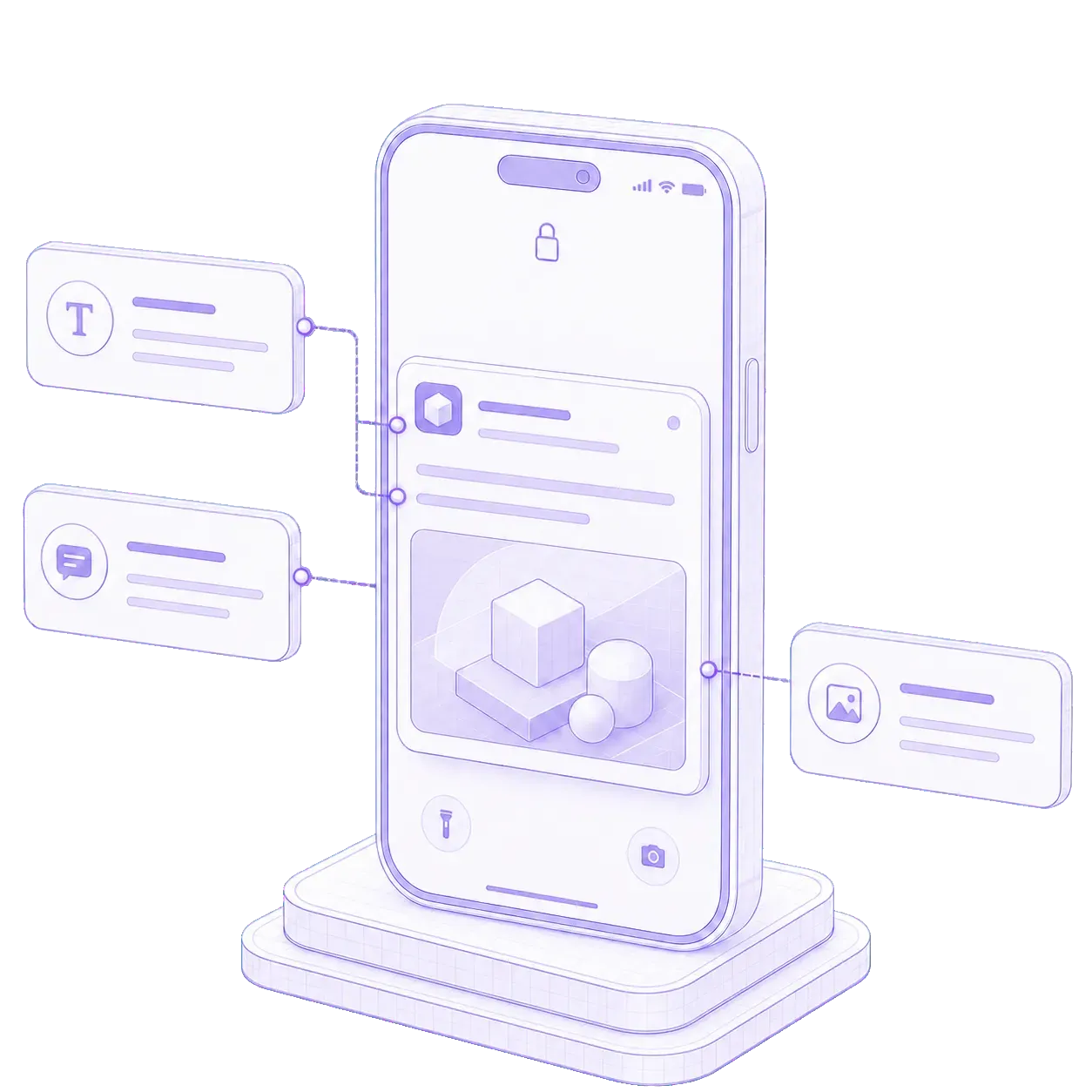
Every notification can carry a full image, not just a line of text.
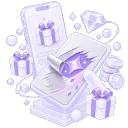
Most push notifications are a title and a sentence — easy to glance past and forget. Wixo lets you add a custom title, a detailed description, and a large image that shows in the notification itself, before the customer even unlocks their phone. Use it for a seasonal sale banner, a new collection, a limited-edition drop, or a specific discount. A notification with a real image attached competes for attention the way a plain text alert never could — it turns a routine alert into a small ad campaign that lands directly on the customer's screen.
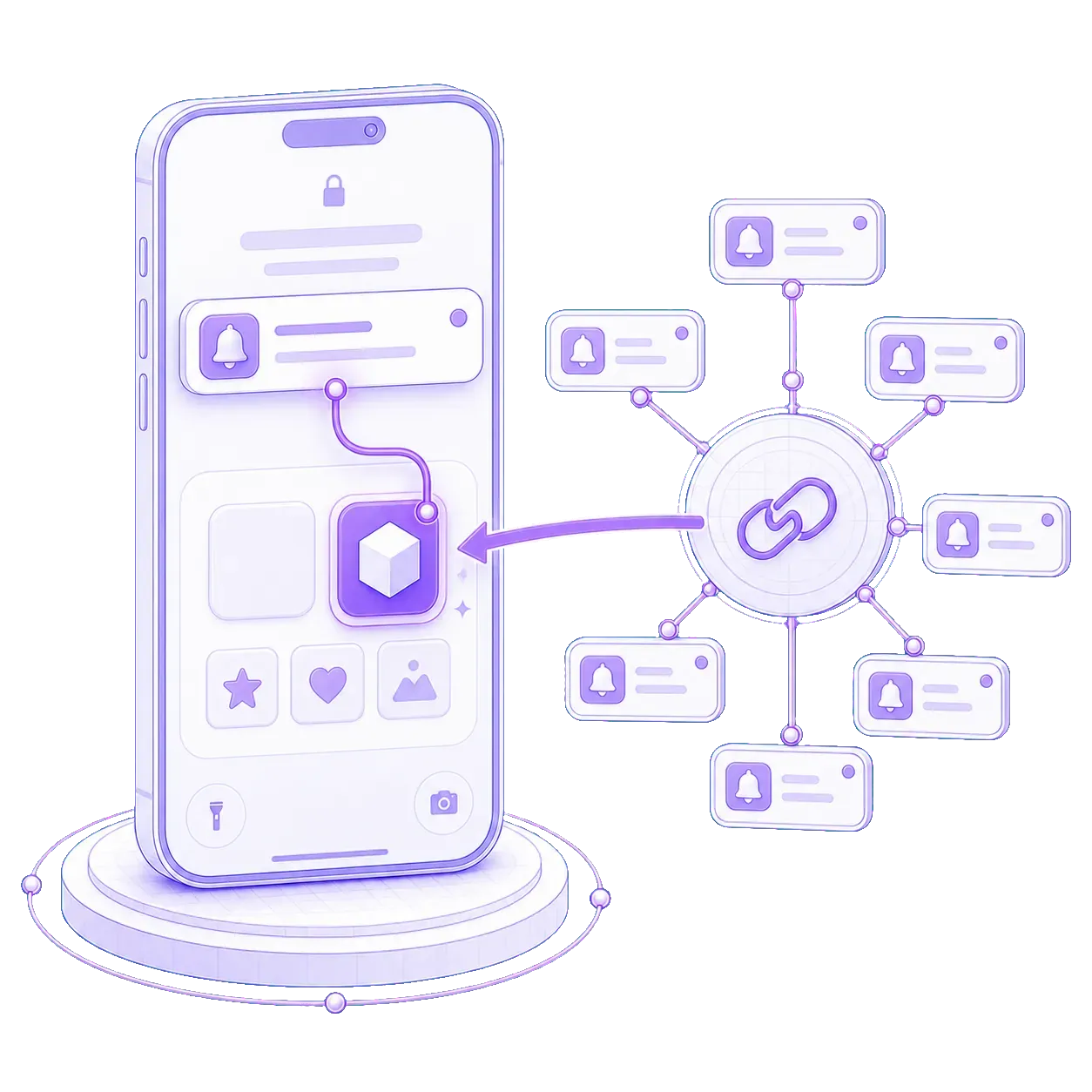
Route every tap straight to the product, not the homepage.
A notification that dumps a customer on your homepage asks them to do the work of finding what you're actually promoting — most won't bother. Deep linking sends them straight to the exact screen you mean: a specific product, a category, a promotional page, their cart, their profile, or a campaign you're running. Fewer steps between the tap and the purchase means fewer chances for the customer to lose interest along the way. It's the difference between announcing a sale and putting the sale one tap away.
See what a push notification looks like on your own store.
Send us your store's web address and we'll build a real app around it in 72 hours, push notifications included from the first send.
Get my free previewSet up in the same sitting
Push Notifications is one of the modules you run from the same dashboard.
Mobile navigation
Spin to Win
Pricing
Questions
What merchants ask about push notifications.
Is there a limit on how many push notifications I can send?
Push notifications are included with your Wixo plan and built for the sending volumes most stores use — daily promotions, abandoned-cart reminders, seasonal campaigns, and more. Check your plan for the specifics on higher-volume sending.
Can I link a notification to a specific product or page?
Yes. Every notification supports deep linking, so you can route customers straight to a specific product, category, promotional page, their cart, their profile, or a marketing campaign, instead of dropping them on the homepage.
Do I need a marketing team to send these?
No. Push notifications are sent from the same admin panel you use to run the rest of your app. Write a title, a description, add an image if you want one, choose where it should link, and send, no separate platform or technical setup required.
Can I include an image in a notification?
Yes. Notifications support a custom title, a detailed description, and a large image that displays before the customer unlocks their phone, useful for sales, new collections, and limited-time offers.