


Technology & Store Ops7 min read
One Store, Two Experiences: How to Differentiate Your Mobile App from Your Website Without a Separate Project
WIXO App Marketing
Mobile Growth & E-Commerce Strategy Team
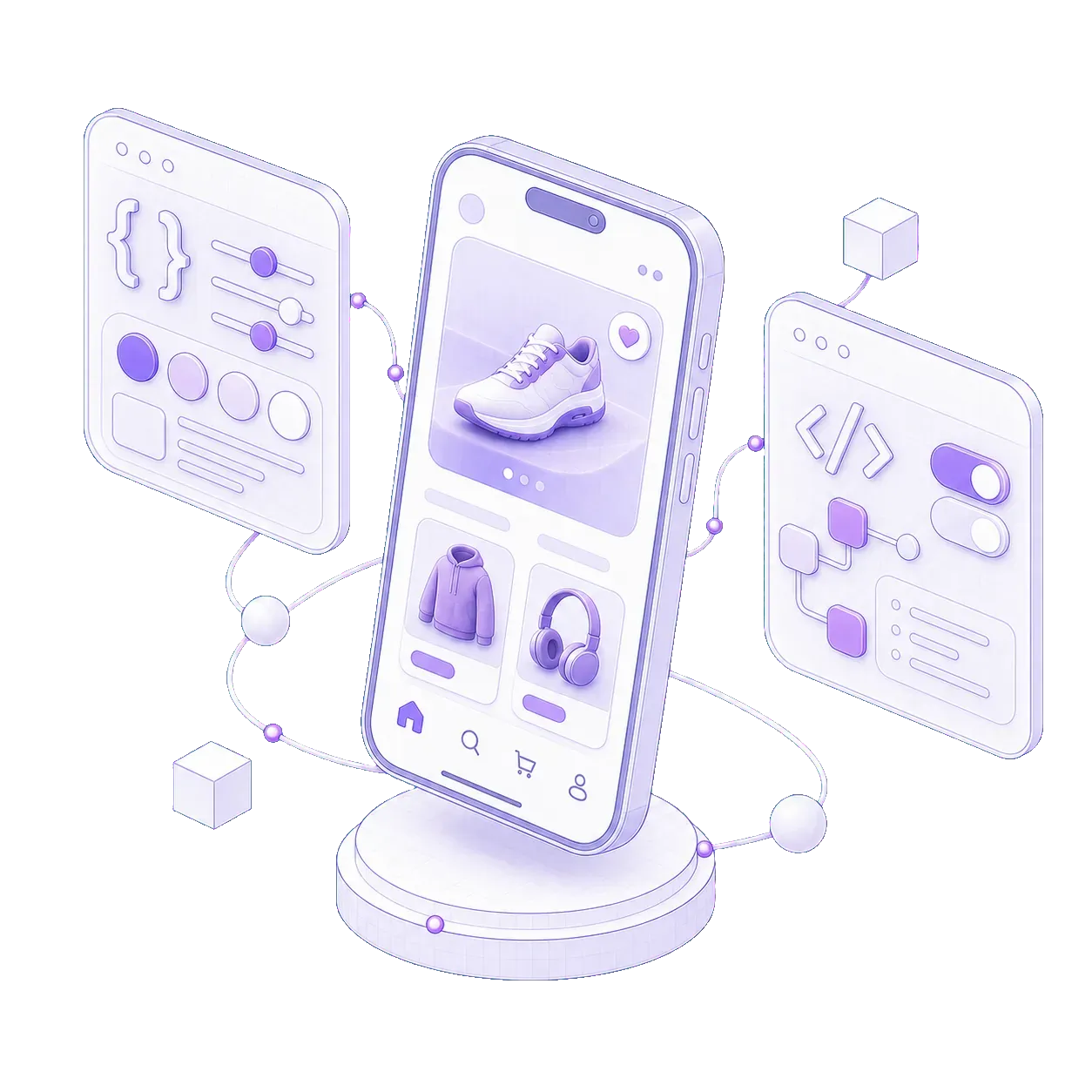
One of the biggest advantages of WIXO App is that your iOS and Android mobile apps run directly on top of the online store you already operate. Your products, inventory, pricing, shipping integrations, and checkout stay in one place — with no separate project to maintain and no fragile database syncs. Yet this single-store approach is sometimes misunderstood: merchants worry that powering both channels from one store means the app will simply look like a shrunk-down website in a browser. The reality is the exact opposite. With WIXO App's built-in modules for Custom CSS & JS, Native Navigation, Styles & Design, Push Notifications, and gamification, you can tailor the layout, navigation, and offers specifically for smartphone shoppers — while leaving your desktop and mobile web store completely untouched.
What a single project for your website and apps really means
In traditional agency development, delivering a distinct mobile app experience requires building and maintaining an entirely separate project for iOS and Android. That forces you to pay twice for every feature and manage parallel environments whenever your store changes.
With WIXO App, you keep one store as your single source of truth while giving each channel the interface that fits how customers actually use it:
“Powering your site and app from one store does not mean settling for an identical layout — it means managing your business from one place while giving mobile shoppers an interface built for one-handed buying.”
- One store, zero duplicate work: Your catalog, cart, customer accounts, shipping methods, and payment gateways stay unified in your existing dashboard (Shopify, WooCommerce, OpenCart, Magento, PrestaShop, or BigCommerce).
- Your website stays optimized for search and discovery: On the web, you keep your full mega-menus, SEO copy blocks, multi-column footers, and newsletter sign-up forms.
- Your app is engineered for speed and repeat orders: Inside the mobile app, you strip away web clutter, put products front and center, and unlock perks reserved for your most loyal shoppers.
1. Hide elements that belong on the website, not inside the app
Almost every e-commerce website includes sections that work well on a desktop monitor or for first-time visitors arriving from search engines, but waste valuable vertical space inside a mobile app.
Using the Custom CSS & JS module in the WIXO App admin panel, you can hide those elements exclusively inside the app view without altering a single line of code on your public website:
- Heavy web headers and duplicate menus: Because your app already features its own native navigation bar and top bar, bulky web headers can be hidden so product cards appear higher on the first screen.
- Newsletter pop-ups and cookie banners: In the app you communicate directly via Push Notifications, so email capture pop-ups that interrupt checkout can be turned off with a single CSS rule.
- Sprawling footers and SEO text blocks: Multi-column link footers help search engines on the web, but hiding them in the app keeps every screen clean and fast.
- “Download our app” smart banners: You can display a promotional banner on your mobile website inviting visitors to install the app, and hide that exact banner via CSS inside WIXO App so existing app users never see it.
2. Rebuild the layout and navigation for one-thumb shopping
Cutting visual clutter is only the first step. On a smartphone, shoppers browse with one hand and expect key actions right under their thumb rather than tucked inside a tiny corner menu.
Combining Native Navigation, Styles & Design, and Custom CSS & JS reshapes how your store feels on a phone:
- Dynamic bottom tab bar instead of web menus: Place your highest-converting destinations — Home, Catalog, Search, Offers, Cart, and Account — in an ergonomic bottom bar. Update tabs, icons, and order in minutes from the WIXO App admin panel with no new build or App Store review.
- Action-driven navigation items: A menu tab can do more than load a URL — it can dial your support line, open a Viber or WhatsApp chat, compose an email, or trigger custom JavaScript.
- Reflow product pages with custom CSS: Restructure multi-column grids, enlarge size and color selectors, or pin a sticky “Add to Cart” bar at the bottom of the screen exclusively for app users.
- Branded splash screen and color system: With Styles & Design, your app greets shoppers with your icon, branded launch screen, primary/secondary UI colors, and custom notification badges.
3. Create app-exclusive pages, VIP drops, and targeted sections
The strongest reason for a customer to install your app and keep it on their home screen is exclusive value. Because you control which URLs are wired to your Native Navigation tabs and Push Notifications, you can easily deliver app-only experiences:
- Dedicated app home screen (e.g., /app-home): Build a streamlined landing page in your store platform focused on visual category tiles and flash deals, leave it out of your website's main menu, and set it as the home tab inside WIXO App.
- VIP early access and hidden collections: Publish new seasonal drops or clearance sales on an unlisted store URL 24 hours early and route app users straight there via a navigation tab and rich push notification.
- Selective CSS classes for “App-Only” blocks: Place an exclusive discount banner or member promo code directly on your product template that stays hidden on the website (display: none) and becomes visible (display: block) via Custom CSS & JS only when viewed inside the app.
4. Run app-specific JavaScript and independent analytics
When you want your app to behave differently from your web store, the Custom CSS & JS module lets you execute JavaScript exclusively inside the mobile app environment — without adding script weight to your desktop website:
- Dynamic in-app messages and promo logic: Trigger tailored welcome prompts, toggle UI elements on the fly, or highlight app-only cart perks based on user actions.
- Interactive scripts from navigation buttons: Wire any Native Navigation button to execute a JavaScript snippet — such as opening a live chat widget, launching a size finder modal, or firing a CRM event.
- Dedicated mobile tracking and pixels: Load app-specific analytics events, tracking pixels, or custom parameters for Google Analytics and your CRM so you can measure app conversion rates separately from mobile browser traffic.
5. Add capabilities a browser cannot match: Gamification and Push Notifications
The ultimate differentiation between your mobile website and your app comes from native and interactive modules built directly into WIXO App and managed from the same dashboard:
- Interactive Spin to Win and Scratch Card modules: Replace static web pop-ups with native-feeling loyalty games powered by real promo codes from your store, configurable win probabilities per slice, and device-level frequency limits.
- Rich Push Notifications with deep linking: Deliver high-resolution image notifications to the lock screen that take shoppers straight to a specific product, collection, or active loyalty game.
- Hands-on technical support included: If you do not have an in-house developer to write CSS overrides or JS rules, the WIXO App engineering team assists with layout adjustments, banner placement, and navigation setup as part of your plan.
Comparison: The Same Online Store in a Web Browser vs. Inside WIXO App
| Store Element | In the Web Browser (Desktop & Mobile Web) | Inside the Mobile App (WIXO App) |
|---|---|---|
| Navigation & Menus | Standard web header, mega-menu, and multi-column footer | Ergonomic thumb-zone bottom bar updated instantly without a new build |
| Web Clutter | Visible (cookie banners, newsletter pop-ups, long SEO blocks) | Hidden via Custom CSS & JS for a clean, distraction-free screen |
| Page Layout | Structured for wide screens and search engine crawlers | Reflowed product cards and sticky buy buttons without changing the site |
| Exclusive Offers | Standard promotions visible to all web traffic | Dedicated app landing pages, app-only banners, and VIP early access |
| Promotional Mechanics | Static banners or pop-ups (frequently dismissed) | Built-in loyalty games (Spin to Win and Scratch Card) |
| Customer Reach | Emails buried in Promotions tabs or costly SMS campaigns | Rich lock-screen Push Notifications with direct deep links |
Everything You Need to Know
Frequently Asked Questions (FAQ)
If I hide my header or tweak layouts via Custom CSS & JS, will it break my website?
Never. Every CSS rule and JavaScript snippet entered in the WIXO App admin panel runs exclusively inside the mobile app view. Your desktop and mobile browser store remains 100% untouched.
Do I need to write CSS and JavaScript myself to customize the app?
Not necessarily. If you have a developer, they have full access to the Custom CSS & JS module at any time. If you do not have a technical team, WIXO App specialists will gladly set up the required rules to hide clutter, adjust layouts, and configure your navigation.
Do visual or navigation updates require submitting a new version to the App Store and Google Play?
No. Changes to Native Navigation, Custom CSS & JS rules, interface colors, and Spin to Win or Scratch Card campaigns are managed from the WIXO App admin panel and go live immediately without a new build or store review.
How can I show a “Download our app” banner on my website but hide it inside the app?
Add the banner to your website with a dedicated CSS class (for example, .hide-in-wixo-app) and add a single rule (.hide-in-wixo-app { display: none !important; }) in the WIXO App Custom CSS & JS module. Browser visitors see the install prompt, while app users enjoy a clean screen.
Key Merchant Takeaways
- One store, two distinct experiences: Manage products and orders from a single dashboard while giving your app its own navigation, layout, and perks.
- Risk-free Custom CSS & JS: Hide bulky headers, footers, and pop-ups exclusively inside the app while keeping your public website intact.
- Instant updates without new builds: Adjust navigation tabs, styles, push notifications, and loyalty games live from the WIXO App admin panel.
See your store tailored as a mobile app in 72 hours
Explore all included modules and subscription tiers on our Pricing & Plans page or request your free preview today. Within 72 hours we will prepare a working preview of your iOS and Android mobile app so you can test the navigation and custom layout on your own phone — with no upfront payment and no commitment.